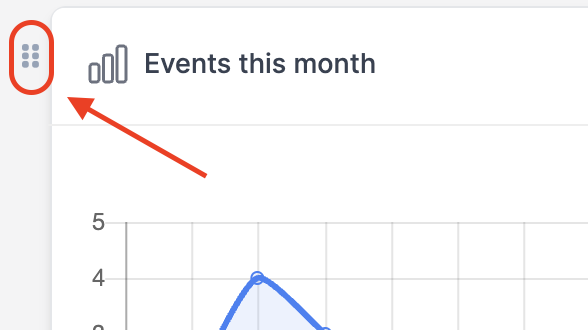
Within FLINK, each user can customise their own dashboard.
To do this, please following the steps below:
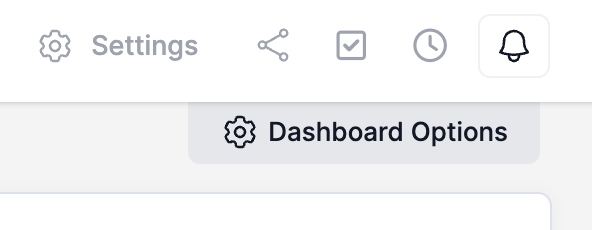
- When logged in, within the top right hand corner of your FLINK system, press "Dashboard Options".
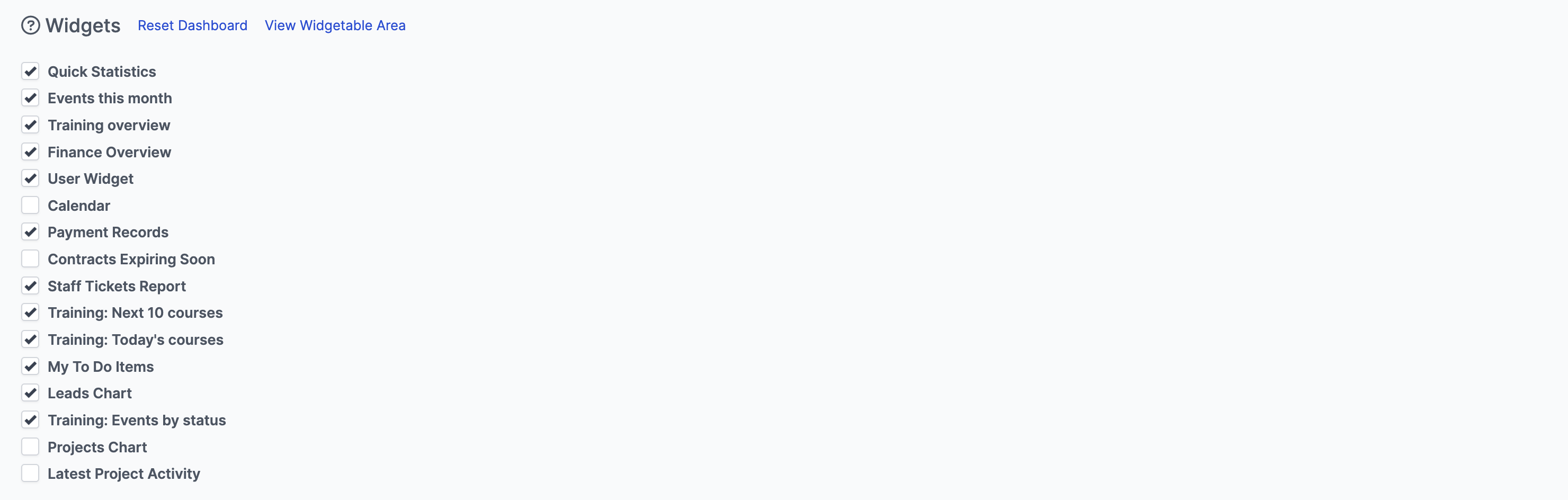
- You can then select from the different widget options that are available.
- You can then use these tabs to move your widgets around on the dashboard to suit you.